What Is ERP Software Development? A Complete Guide for Businesses
Running a business is not easy. You need to manage sales, accounts, inventory, employees, customers, reports, and daily operations. When each task is handled in a different system, work becomes slow and confusing. This is where ERP software development helps.
ERP software development involves building a digital system that connects many business activities into a single platform. ERP stands for Enterprise Resource Planning. It helps companies manage their core operations more effectively through better control, automation, and real-time data.
For growing businesses, ERP software is not just a tool. It is a smart way to save time, reduce errors, improve teamwork, and make faster decisions.
ERP Software Development: How It Helps Businesses Grow and Scale
ERP software development is the process of creating software that helps a business manage different departments from one central system.
A custom ERP system can include modules for finance, sales, human resources, inventory, customer management, production, reporting, and more. Instead of using many separate tools, a company can use one ERP platform to manage everything.
For example, when a customer places an order, the ERP system can update stock levels, create an invoice, notify the sales team, update accounts, and display the order status. This saves time and reduces manual work.
Why Do Businesses Need ERP Software?
Many businesses start with simple tools like spreadsheets, paper files, or basic accounting software. These may work at the beginning. But as the business grows, problems appear.
Data becomes scattered. Employees repeat the same work. Managers cannot see real-time reports. Inventory mistakes increase. Customer service becomes slower.
ERP software solves these problems by bringing all important data into one place. It helps business owners see what is happening across the company.
A well-built ERP system helps businesses:
- Reduce manual errors
- Improve daily workflow
- Save employee time
- Track sales and expenses
- Manage inventory better
- Improve customer service
- Make data-based decisions
- Increase productivity
- Support business growth
How ERP Software Development Works
ERP software development usually follows a clear process. A professional ERP development company first studies the business needs. Then the team designs, develops, tests, and launches the software.
The main steps are:
1. Business Requirement Analysis
The first step is understanding how the business works. The development team learns about current problems, goals, users, departments, and workflows.
This step is very important. A good ERP system must match real business needs, not just look good.
2. ERP Planning and Strategy
After understanding the requirements, the team creates a plan. This includes the modules, features, user roles, timeline, technology, and budget.
For example, a retail company may need inventory, POS, sales, purchase, and accounting modules. A hospital may need patient management, billing, pharmacy, appointment, and report modules.
3. UI/UX Design
The design stage focuses on making the ERP easy to use. Since many employees may use the system every day, the interface should be simple, clean, and fast.
Good ERP design reduces training time and helps users complete tasks without confusion.
4. ERP Software Development
In this stage, developers build the actual system. They create modules, dashboards, databases, user access, reports, and automation features.
Modern ERP software can be web-based, cloud-based, mobile-friendly, or integrated with existing tools.
5. Testing and Quality Check
Before launch, the ERP system must be tested carefully. Testing helps find bugs, security issues, slow pages, wrong calculations, or broken workflows.
A reliable ERP system must be stable, secure, and accurate.
6. Deployment and Training
After testing, the software is launched for business use. Employees also need training to use the system properly.
Good training helps teams adopt the ERP faster.
7. Support and Maintenance
ERP software needs regular updates and support. As the business grows, new features may be added. Bugs may need fixing. Security updates are also important.
That is why long-term technical support is important for ERP success.
Common Features of ERP Software
Every business is different. So ERP features can vary. But most ERP software includes some common modules.
Finance and Accounting
This module helps manage income, expenses, invoices, payments, payroll, tax, and financial reports.
Inventory Management
Inventory management helps track stock, purchases, suppliers, warehouses, and product movement.
Sales Management
This module helps manage leads, quotations, sales orders, customers, payments, and sales reports.
Human Resource Management
HR modules can manage employee records, attendance, leave, salary, performance, and recruitment.
Customer Relationship Management
CRM features help manage customer data, follow-ups, communication, complaints, and service history.
Purchase Management
This module helps businesses manage purchase requests, supplier orders, approvals, and payments.
Reporting and Analytics
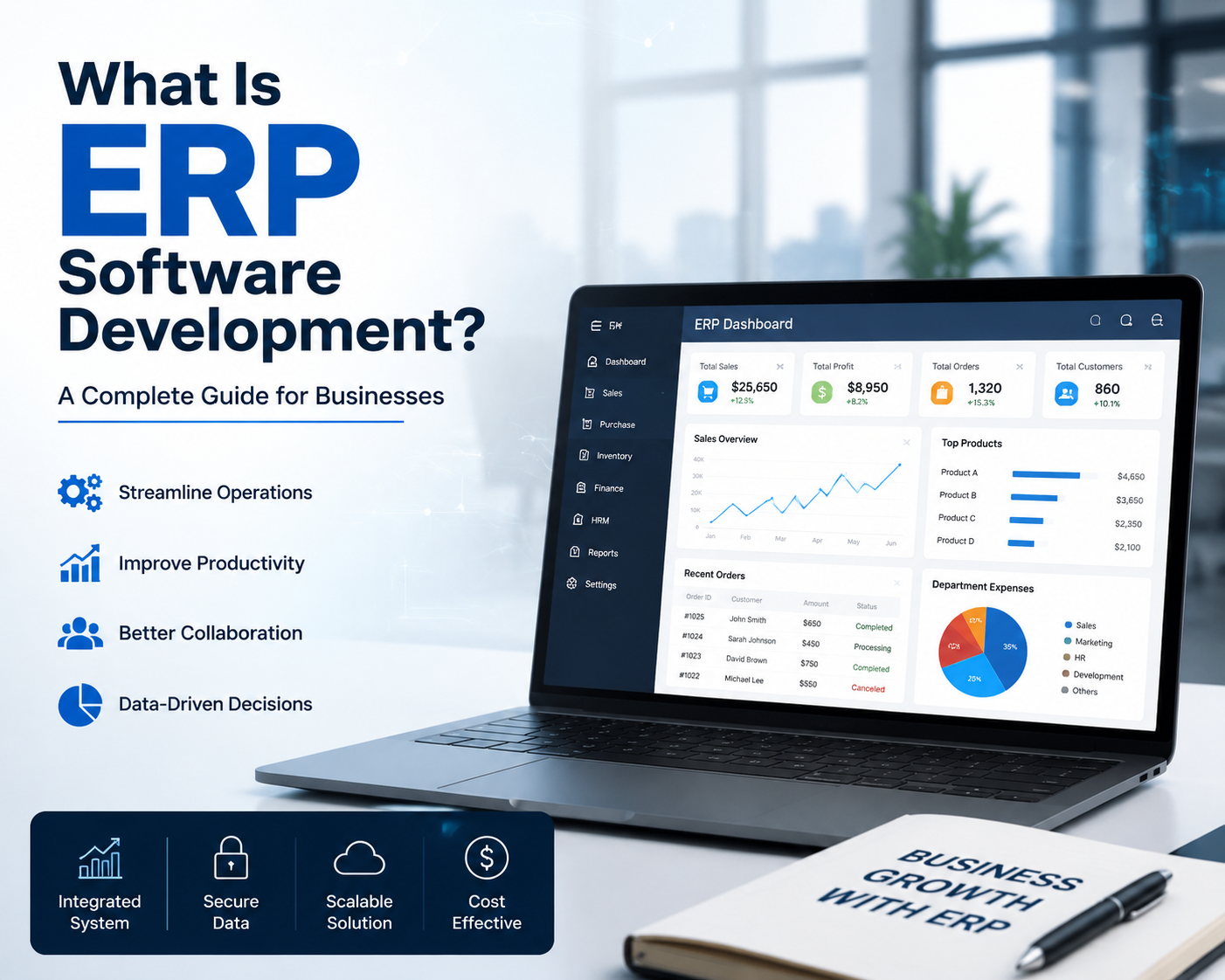
ERP dashboards show real-time reports. Business owners can track sales, profits, expenses, inventory, and performance from a single place.
User Role and Permission
Different employees need different access. ERP software can give role-based access to protect sensitive data.
Custom ERP vs Ready-Made ERP
Businesses can choose between ready-made ERP and custom ERP software development.
Ready-made ERP is already built. It can be faster to start. But it may not fit every business process. You may need to change your workflow to match the software.
Custom ERP is built for your business. It fits your needs, workflow, team structure, and growth plan. It may take longer to build, but it offers greater flexibility and control.
For businesses with unique operations, custom ERP software is often the better choice.
Benefits of Custom ERP Software Development
Custom ERP software gives many benefits to growing businesses.
1.Better Workflow
ERP connects departments. Sales, accounts, inventory, and management can work with the same data. This improves teamwork.
2.Less Manual Work
ERP can automate many daily tasks. This saves time and reduces mistakes.
3.Real-Time Data
Managers can see live reports. They do not need to wait for manual updates.
4.Better Customer Service
When customer data, order history, and service records are available in one system, teams can respond faster.
5.Stronger Data Security
Custom ERP can include user permissions, secure login, data backup, and access control.
6.Scalable Growth
As the business grows, new modules and features can be added.
Who Needs ERP Software?
ERP software is useful for many types of businesses, such as:
1.Manufacturing companies
2.Hospitals and clinics
3.Retail businesses
4.E-commerce companies
5.Construction firms
6.Educational institutions
7.Logistics companies
8.Real estate companies
9.Corporate offices
10.Service-based businesses
2.Hospitals and clinics
3.Retail businesses
4.E-commerce companies
5.Construction firms
6.Educational institutions
7.Logistics companies
8.Real estate companies
9.Corporate offices
10.Service-based businesses
Any company that manages many tasks, departments, employees, or customers can benefit from ERP software.
How Much Does ERP Software Development Cost?
The cost of ERP software development depends on many factors. There is no fixed price for every business.
The cost can depend on:
- Number of modules
- Software complexity
- User roles
- Design requirements
- Third-party integrations
- Cloud or local hosting
- Mobile app support
- Reporting features
- Security requirements
- Maintenance and support
A small ERP system may cost less. A large enterprise ERP with many modules and integrations will cost more.
The best way to know the price is to discuss your business needs with an ERP development company.
How to Choose the Right ERP Development Company
Choosing the right ERP development partner is very important. A good company should understand both technology and business operations.
Before hiring an ERP software development company, check:
- Their software development experience
- Understanding of your industry
- Development process
- UI/UX quality
- Security practices
- Support system
- Communication style
- Portfolio or past projects
- Ability to customize features
- Long-term maintenance service
R-Creation provides website development, custom software development, Android app development, digital marketing, IT consultancy, and technical support for businesses that want smarter digital systems.
Future of ERP Software Development
ERP software is becoming smarter. Modern ERP systems now use cloud technology, AI, automation, mobile apps, and advanced analytics.
AI-powered ERP can help predict demand, detect errors, automate reports, and improve decision-making. Cloud ERP allows teams to access data from anywhere. Mobile ERP helps employees work faster from phones or tablets.
In the future, ERP software will become even more important for business growth and digital transformation.
ERP software development enables businesses to manage their operations from a single central platform. It connects departments, reduces manual work, improves data accuracy, and supports better decisions.
For growing companies, custom ERP software can be a powerful investment. It provides greater control, improved workflow, stronger security, and long-term scalability.
If your business is struggling with scattered data, manual reports, inventory mistakes, or slow operations, ERP software may be the right solution.
A professional ERP development team like R-Creation can help you plan, design, develop, and maintain a custom ERP system that fits your business goals.